01
An account of your own
Register with your name and email. Use a password, or continue with Google. A password account needs a verification link before the first sign-in.
 MyFutureNest
Residential leases
Answer the questions for the home, download the PDF, and collect the landlord and tenant signatures here. There is no fee.
01
Register with your name and email. Use a password, or continue with Google. A password account needs a verification link before the first sign-in.
02
Property, people, rent, house rules, and disclosures. Each step uses plain language and keeps the answers on your account.
03
Each state uses its own lease. Download the PDF, or collect the landlord and tenant signatures in the app.

For landlords and tenants
MyFutureNest is built for an ordinary home: a house, a duplex, an apartment, or a condominium, rented for at least thirty days. Short stays, subsidies, and mobile-home parks stop before a PDF is made.
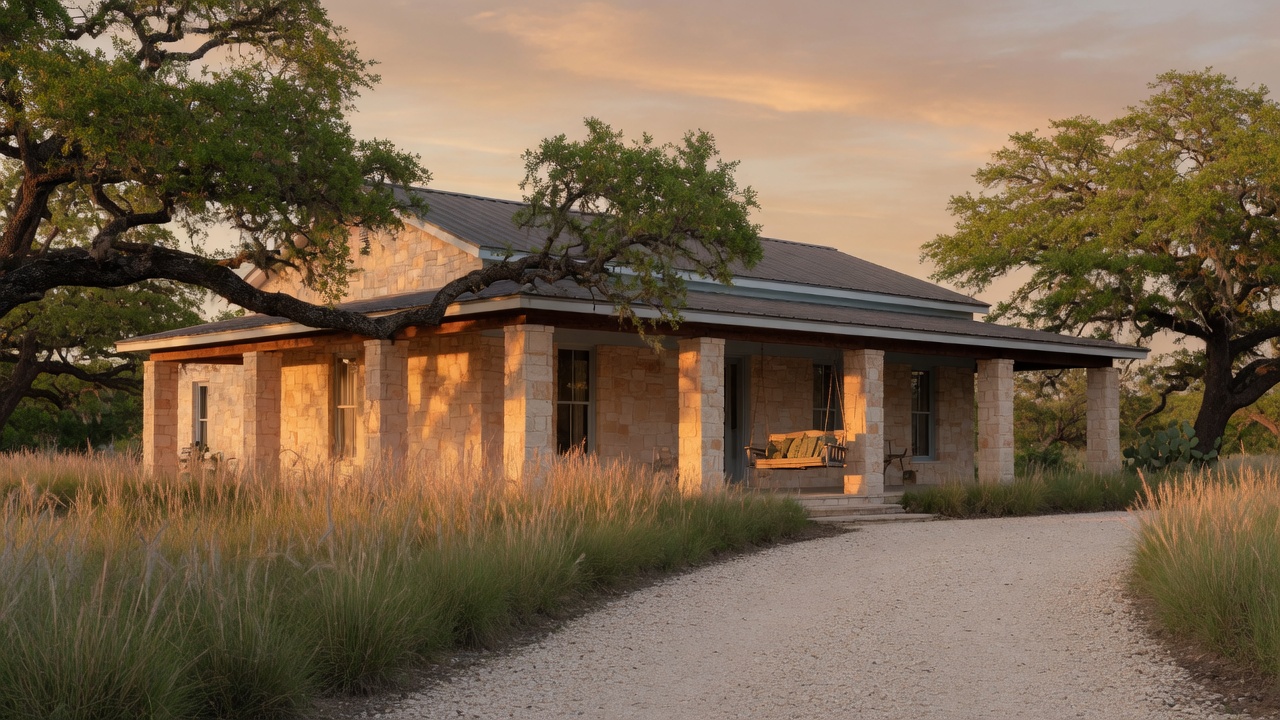
Choose California, New York, or Texas when you start. More states are not available yet. A preference cannot switch off a required notice.
How it works
By state
Rent, the deposit, and statewide rent rules for a California home. Cities with their own rent ordinance are not included.
Prepare a California leaseA statewide lease for a home outside New York City, with the late-fee limit and the flood and sprinkler questions.
Prepare a New York leaseA Texas lease that asks the floodplain questions, then downloads as a PDF the landlord and tenant can sign.
Prepare a Texas leaseQuestions
Yes. Preparing the lease, downloading the PDF, and collecting signatures in the app have no fee.
California, New York, and Texas. Each lease uses that state's own questions. More states are not available yet.
Yes. The landlord and each tenant sign in the app. The lease is marked signed when every one of them has signed.
No. It is not a law firm and it is not legal advice. You do not need an attorney to create or sign a lease here. You are responsible for the facts you enter.